Description
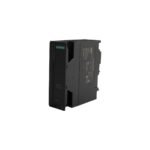
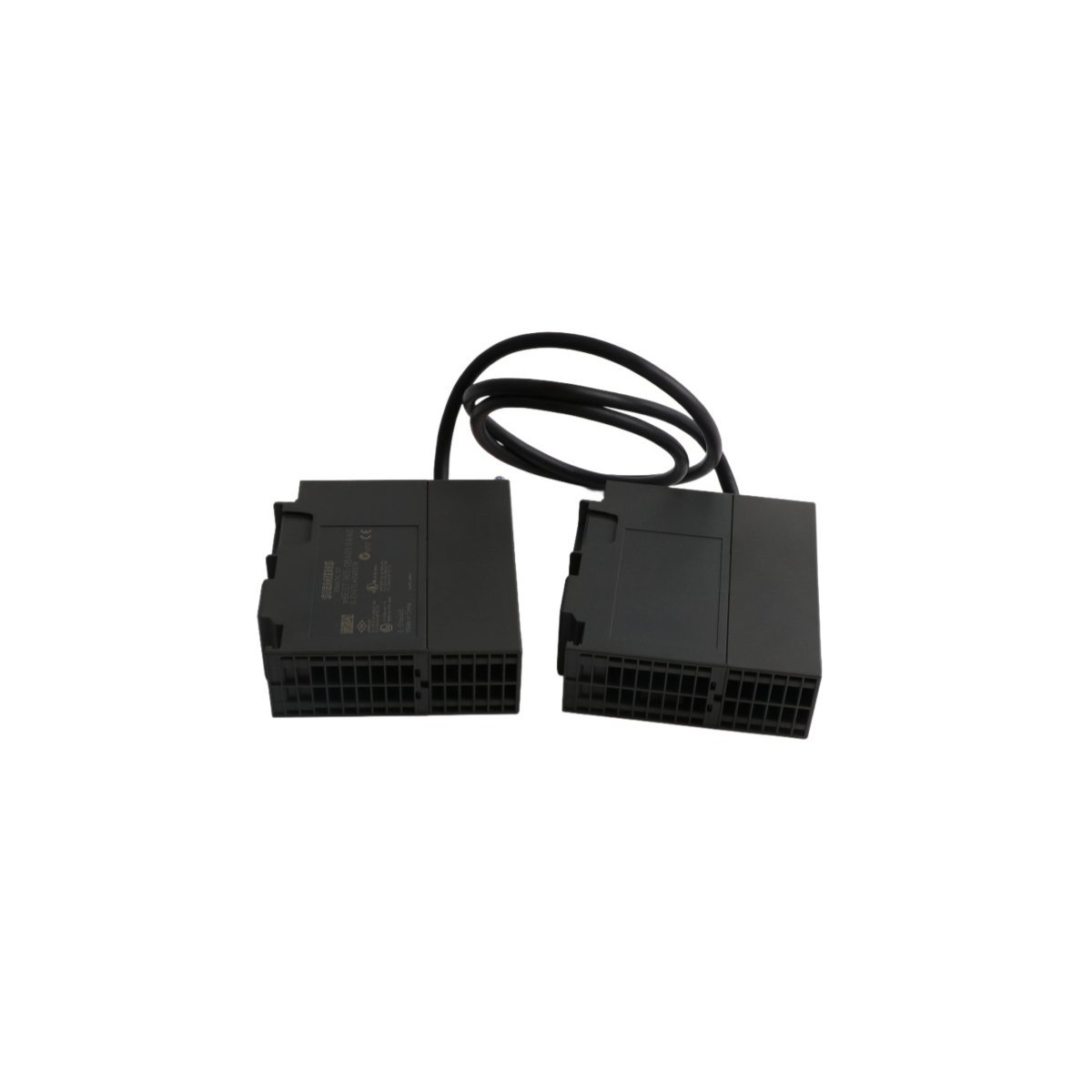
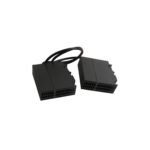
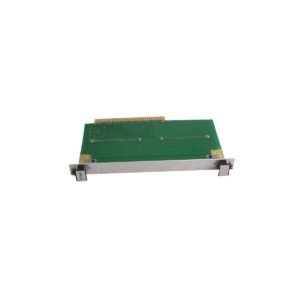
Configured for rack-to-rack data bus extension in SIMATIC S7-300 control networks, the Siemens 6ES7365-0BA01-0AA0 (6ES7365-0BA01-0AA0 Interface Module) provides direct physical signal coupling between the central rack and a single expansion rack.
Hardware Specifications
| Parameter | Specification |
| Model | 6ES7365-0BA01-0AA0 |
| Brand | Siemens |
| Origin | GERMANY |
| Weight | 0.95 kg |
| Dimensions | 2.5 cm x 5.1 cm x 83.8 cm |
| Operating Temp | Standard Industrial Range |
| Power Consumption | Backplane dependent |
| Rack Capacity | 1 expansion rack per module |
| Cable Length | 1 m (integrated) |
Revised Technical Text with Enhanced Transitions
“The 6ES7365-0BA01-0AA0 facilitates system expansion by effectively maintaining backplane bus communication velocity across the connected rack topology. Furthermore, in distributed S7-300 configurations, deterministic network response times remain prioritized through high-speed internal bus bridging. Consequently, users must ensure that firmware flash compatibility is verified prior to deployment when integrating these modules within mixed-generation PLC hardware racks. Specifically, particular attention must be paid to the I/O density scaling limitations imposed by the specific CPU head unit, as well as potential bandwidth constraints within the bus architecture.”
Frequently Asked Questions
- Q: Does the 6ES7365-0BA01-0AA0 support hot-swap functionality?
A: No, the module requires the power supply to be disconnected from the backplane before installation or removal to prevent potential damage to the interface pins or the backplane bus.
- Q: Can I connect multiple expansion racks using a single IM365 module?
A: No, the 6ES7365-0BA01-0AA0 is designed to connect a single expansion rack. If multiple expansion racks are required, different interface module configurations must be utilized.
- Q: Is a separate connecting cable required for this module?
A: No, the 6ES7365-0BA01-0AA0 is supplied with a permanently attached 1-meter connecting cable to ensure signal integrity between the central and expansion racks.
Field Installation Guidelines
- Ensure the S7-300 rack is mounted on a standard 35 mm DIN rail.
- Verify that the power supply to the PLC backplane is completely de-energized before beginning the installation.
- Slide the IM365 module into the designated slot on the central rack and secure it using the integrated locking mechanism.
- Route the attached 1-meter cable to the expansion rack and connect the interface port, ensuring the locking clips are fully engaged to prevent accidental disconnection.
- Check for proper seating of all I/O modules within the expansion rack to maintain the integrity of the backplane bus.
- Upon power-up, observe the diagnostic LEDs on the module to confirm a successful link between the central and expansion units.









0.0 Average Rating Rated (0 Reviews)