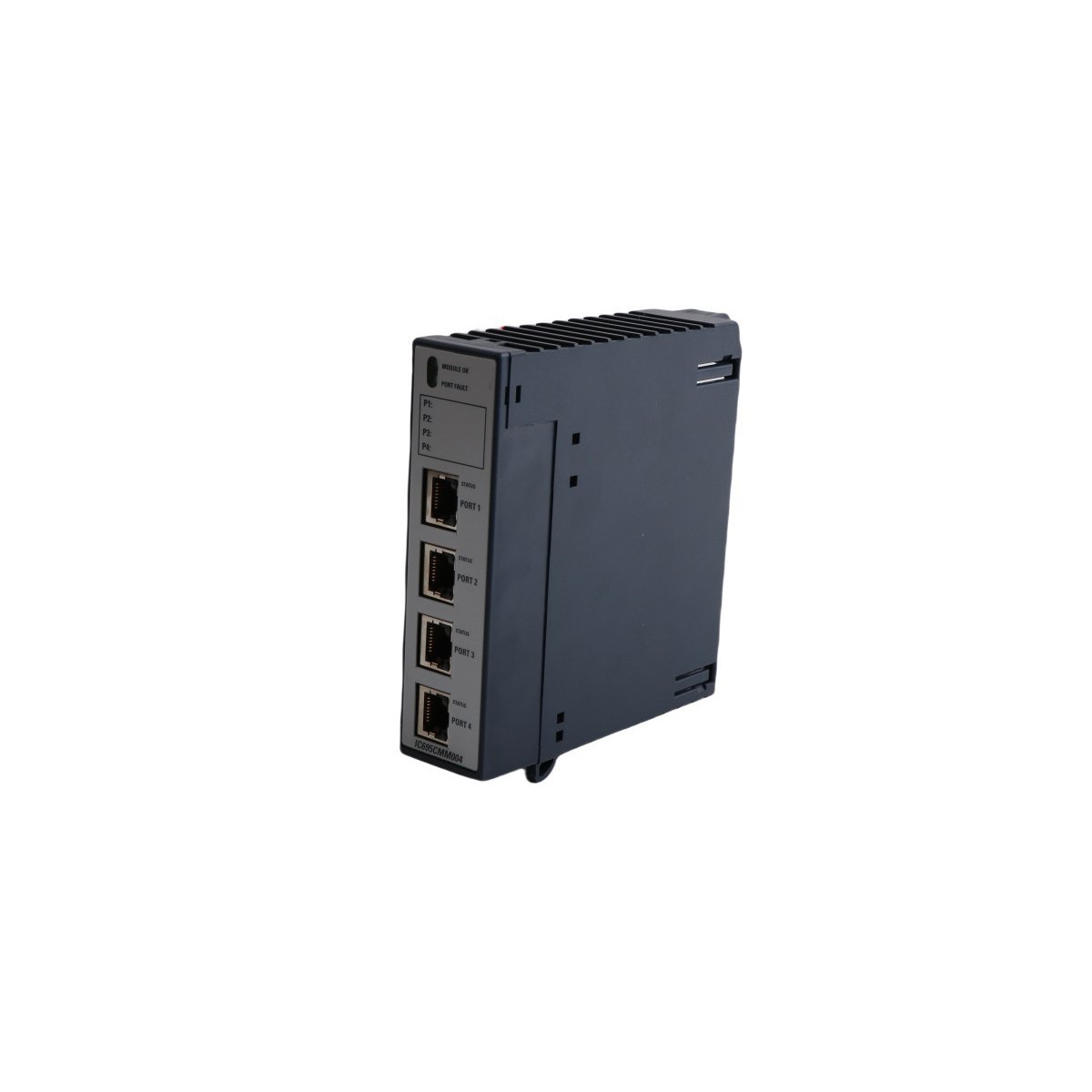
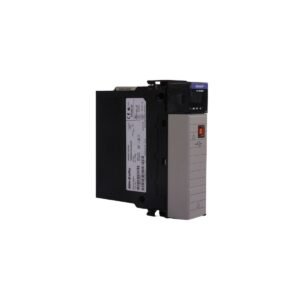
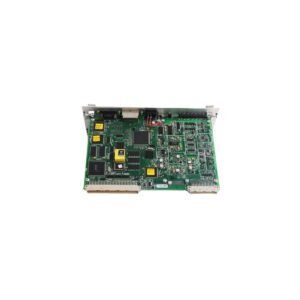
Configured for multi-port serial data exchange in PACSystems RX3i platforms, the GE IC695CMM004 (IC695CMM004 Serial Communications Module) provides direct physical and electrical execution of MODBUS, DNP3, and CCM protocol communications.
Hardware Specifications
Parameter
Specification
Model
IC695CMM004
Brand
GE
Origin
USA
Weight
0.2 kg
Dimensions
3.5 x 13 x 13.6 cm
Operating Temp
0 to 60 deg C
Power Consumption
0.7 A at 3.3 VDC / 0.15 A at 5 VDC
Ports
4 x RS232 / RS422 / RS485 (RJ45)
Isolation
500 VDC (port-to-port)
PLC System Communication and Backplane Integration
The module interfaces directly with the RX3i backplane bus to facilitate high-speed data transfer between serial field devices and the controller CPU.
The system manages firmware flash compatibility through the controller configuration software, which allows for remote upgrades and performance optimizations.
The module maintains I/O density scaling by supporting the installation of up to six communication modules per rack, providing a total of 24 independent serial channels.
Users configure the operating parameters—including baud rates (1200 to 115.2K) and physical interface modes—within the host PACSystems development environment to match specific device requirements.
Frequently Asked Questions
Q: Does the IC695CMM004 support hot-swapping while the rack is powered?
A: No, the module is not designed for hot-swapping. Operators must de-energize the rack before installation or removal to prevent potential damage to the backplane connectors and sensitive electronic components.
Q: Can all four ports run different protocols simultaneously?
A: Yes, each of the four ports operates independently and can be configured to support different protocols, such as MODBUS or DNP3, as long as the host CPU resources allow for the simultaneous processing of these communication tasks.
Field Installation Guidelines
Before initiating installation, ensure the rack power supply is fully isolated to avoid short-circuiting the backplane pins during module insertion.
Once the module is seated, verify that all RJ45 cables are properly secured and that the wiring adheres to the specific pinout requirements for RS232 or RS422/RS485 configurations.
Subsequently, apply the appropriate shielded cabling to maintain the 500 VDC isolation barrier between ports and to minimize electromagnetic interference from high-voltage AC lines.
Furthermore, confirm the module status by observing the onboard LEDs; a flashing “Module OK” LED indicates diagnostic errors such as watchdog expiry or configuration mismatches that require immediate attention.
Finally, ensure the installation environment satisfies the 0 to 60 deg C temperature range to maintain optimal performance and prevent premature hardware degradation.
Additional information
Weight
0.2 kg
Country of Origin
USA
Dimension
3.5 x 13 x 13.6 cm
0.0
Average Rating
Rated
(0 Reviews)
Rated
0%
Rated
0%
Rated
0%
Rated
0%
Rated
0%
Be the first to review “GE IC695CMM004 Serial Communications Module” Cancel reply







0.0 Average Rating Rated (0 Reviews)