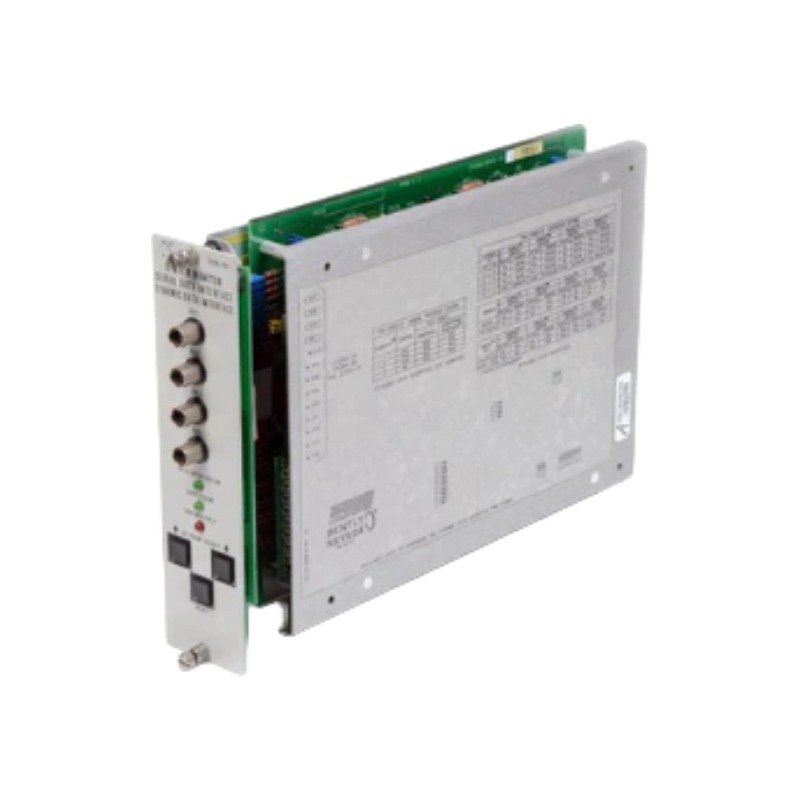
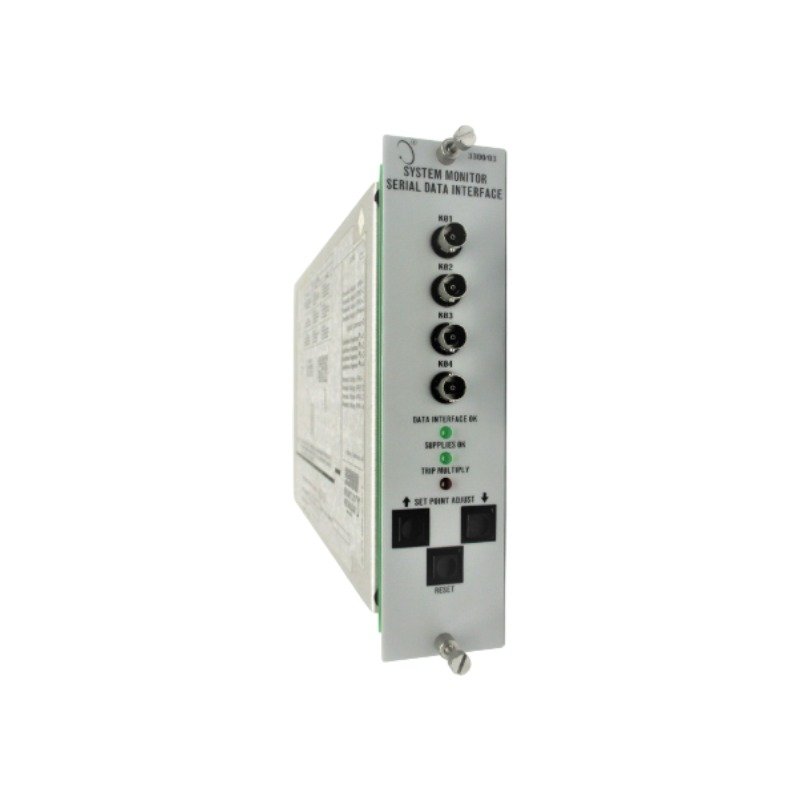
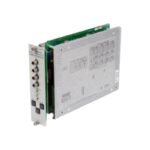
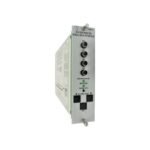
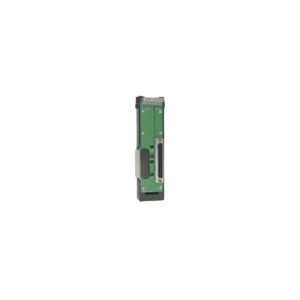
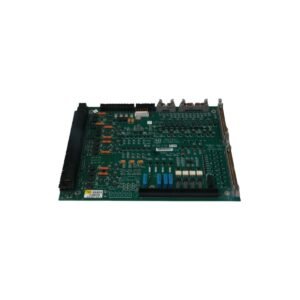
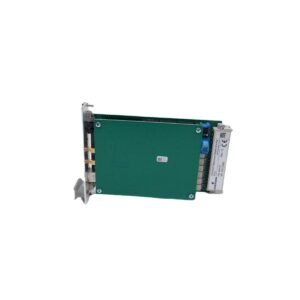
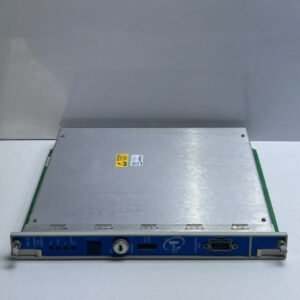
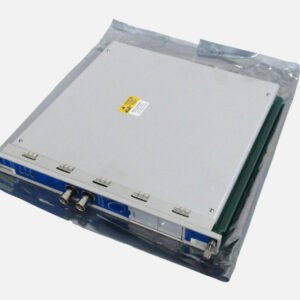
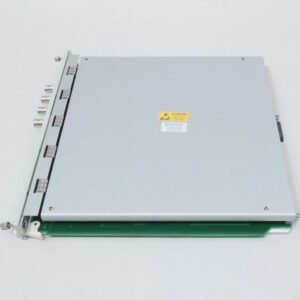
The Bently Nevada 87890-01 is a 3300 series rack system monitor featuring an internal SPDT OK relay and a 2-second power-up inhibit function. Brand New, Original Stock, Global Shipping.
The Bently Nevada 87890-01, also cataloged as the 3300 System Monitor, operates as a dedicated hardware component for localized chassis diagnostic oversight within 3300 Series machinery vibration monitoring systems. Specifically, the processing core continuously checks seven primary rail supply parameters to verify rack status metrics. Furthermore, the specialized system logic executes automatic power-up inhibit functions to override dynamic field alarms while controlling a single-pole, double-throw (SPDT) OK relay interface to report systemic transducer loop hardware health.
Hardware Specifications
Parameter
Specification
Model
87890-01
Brand
Bently Nevada
Origin
United States
Weight
2.8 kg
Dimensions
Standard 3300 series rack full-height module dimensions
Operating Temp
-20 deg C to +65 deg C
Power Consumption
< 15 W
Power Supply Options
18-36 VDC / 85-264 VAC
Voltage Monitoring
+VRH, +VRL, +7.5V, +5V, REF, -7.5V, -VT
Power-up Inhibit Duration
Approx. 2 seconds
Internal Relay Type
Single-pole, double-throw (SPDT) OK Relay
Machinery Monitoring and TSI Characteristics
This system monitor module maintains full backplane coordination by cross-checking the base calibration voltages needed for accurate eddy-current probe scaling configurations. The diagnostic circuitry performs concurrent gap voltage validation (-10 VDC targets) verification runs across the rack slots by processing raw transducer signals. Because the module tracks collective electrical noise parameters across the multi-slot chassis during rapid rotor dynamics transitions, the internal ground planes optimize cross-talk suppression. Consequently, this centralized power filtration blocks electromagnetic interference from traveling across the internal data pathways.
Frequently Asked Questions
Q: How does the power-up inhibit feature prevent false alarms during system initialization or voltage drops?
A: The system monitor automatically holds all alarm outputs in a suppressed state for approximately 2 seconds after power-up. If any system supply voltage drops below the calibrated operating level, the inhibit function instantly reactivates to block accidental field relay trips.
Q: What physical reaction occurs when the external contact closure for the bypass function is triggered on the PIM?
A: An external contact closure commands the system monitor to bypass all rack modules, disable all system alarms, drive active outputs to zero-scale values, and immediately de-energize the main SPDT OK relay.
Q: How does the front panel display help technicians isolate a specific internal power rail failure?
A: The front panel includes seven independent diagnostic status LEDs corresponding to each monitored voltage rail. A separate green “SUPPLIES OK” LED turns off immediately if any single rail drops out of specification.
Field Installation Guidelines
Mounting Mechanics: Slide the system monitor module fully into its designated rack slot position. Next, tighten the front faceplate screws to establish solid mechanical binding and ground connectivity capable of withstanding steady plant vibrations.
Shielding Requirements: Connect all external reset and bypass terminal wiring runs using shielded twisted pairs. Terminate the wire shield strictly at the Power Input Module (PIM) chassis ground point to avoid creating parallel ground loops.
Wiring Separations: Keep all discrete logic cables separate from adjacent high-voltage AC electrical lines or variable frequency drive cabling. Maintain a minimum space barrier of 300 mm to protect the low-voltage diagnostic lines from noise induction.
Thermal Management: Ensure that the internal enclosure environment stays within the standard -20 deg C to +65 deg C operating limit. Do not block the ambient chassis airflow slots, as proper ventilation prevents localized heat buildup.
Additional information
Weight
2.80 kg
Dimensions
67 × 48 × 65 mm
0.0
Average Rating
Rated
(0 Reviews)
Rated
0%
Rated
0%
Rated
0%
Rated
0%
Rated
0%
Be the first to review “Bently Nevada 87890-01 3300 System Monitor” Cancel reply







0.0 Average Rating Rated (0 Reviews)