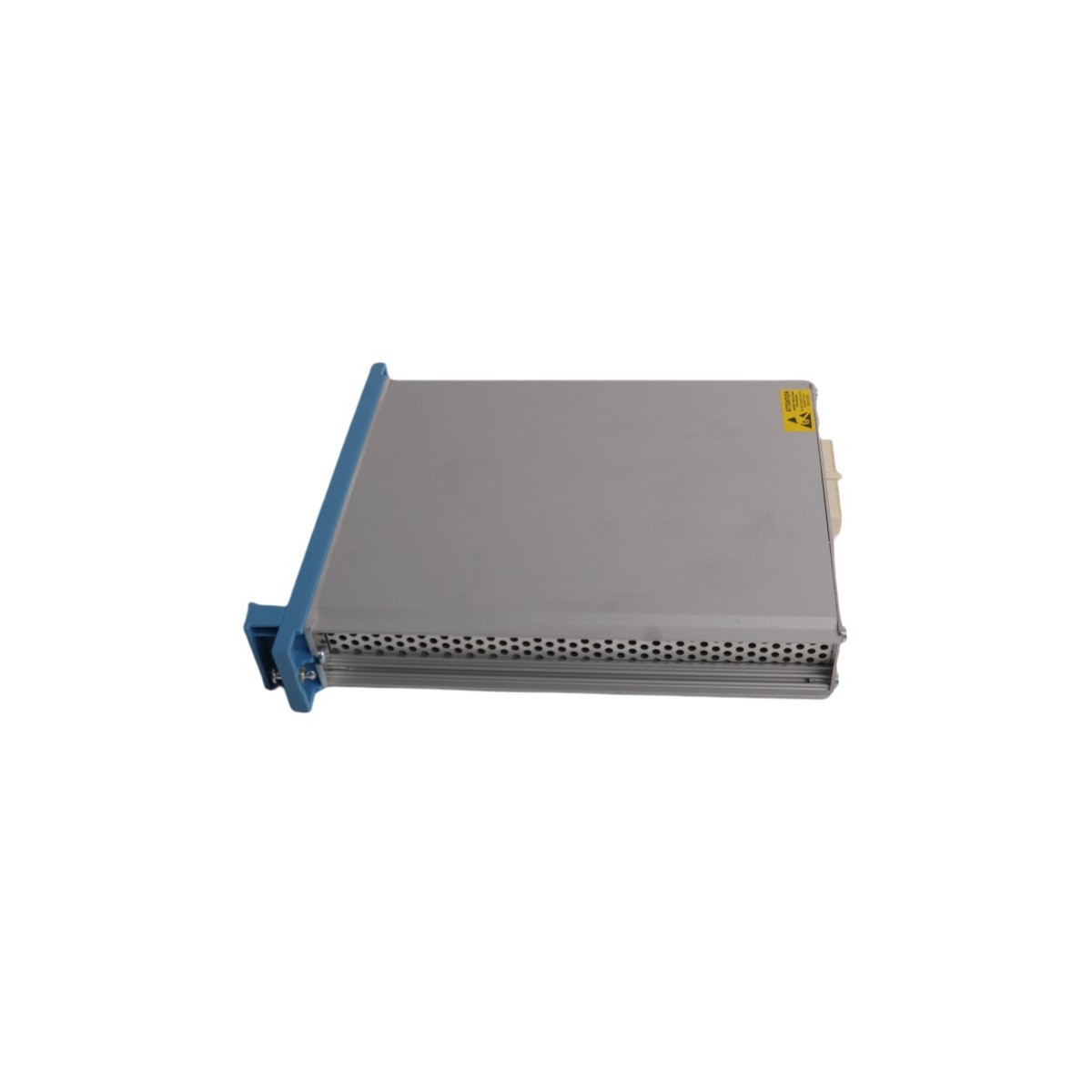
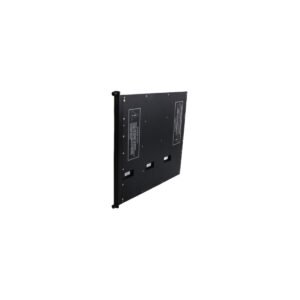
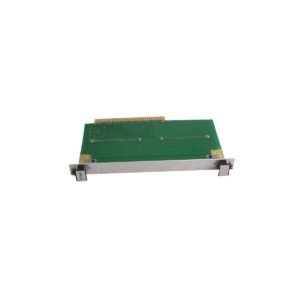
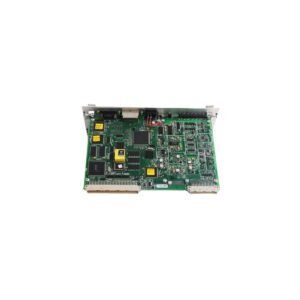
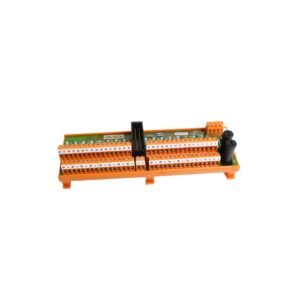
Configured for high-integrity safety communication within Experion PKS platforms, the Honeywell FE-USI-0002 V1.0 (FE-USI-0002 V1.0 Safety Manager System Module) provides direct physical and electrical execution of safety-critical data routing.
0002: Specific hardware revision and port configuration index.
V1.0: Firmware release baseline for initial software compatibility.
Hardware Specifications
Parameter
Specification
Model
FE-USI-0002 V1.0
Brand
Honeywell
Origin
USA
Weight
0.35 kg
Dimensions
23.3 x 18.3 x 5.3 cm
Operating Temp
Standard Industrial Specification
Power Consumption
System-Dependent
System
DCS / Safety Manager
Communication
Ethernet router
Process Control & Connectivity
The module integrates within the Experion PKS environment to manage deterministic network traffic. It features channel-to-channel isolation to prevent electrical fault propagation across the communication backplane. For sites utilizing EUCN authentication, the module manages cryptographic certificate validation. Maintaining firmware parity with Safety Manager R130.1 or later is required to preserve EUCN integrity and prevent diagnostic error code EC75 generation during node-to-network handshake sequences.
Frequently Asked Questions
Q: Can the FE-USI-0002 V1.0 be hot-swapped in an active Safety Manager chassis?
A: Hot-swapping is permissible provided the system architecture is configured for redundant operation. Ensure the replacement module firmware matches the target system release to avoid EUCN certificate mismatch errors.
Q: What triggers diagnostic code EC75 during module installation?
A: Code EC75 indicates a version mismatch, specifically when a module configured for R16x EUCN authentication is installed in a system running a release earlier than R130.1.
Field Installation Guidelines
Static Discharge Prevention: Before handling the module, prioritize the protection of sensitive internal circuitry by utilizing an ESD-safe wrist strap; furthermore, ensure this strap is connected to a verified ground point to neutralize potential electrostatic discharge.
Backplane Alignment: During the insertion process, carefully align the module with the Safety Manager chassis backplane guides. Consequently, apply firm, even pressure to ensure the primary and secondary connectors engage correctly without mechanical binding.
Shielding and Grounding: To maintain signal integrity, ensure all Ethernet communication cables are appropriately shielded; in addition, verify that these shields are grounded according to site-specific standards to effectively minimize the impact of electromagnetic interference (EMI) on overall router performance.
Firmware Verification: Finally, prior to proceeding with the commissioning phase, you must verify the module firmware version via the Engineering Workstation (EWS). Ultimately, this validation step is necessary to ensure strict alignment with the site-wide Safety Manager software version, thereby preventing potential communication lockout.
Additional information
Weight
0.35 kg
Country of Origin
USA
Dimension
23.3 x 18.3 x 5.3cm
0.0
Average Rating
Rated
(0 Reviews)
Rated
0%
Rated
0%
Rated
0%
Rated
0%
Rated
0%
Be the first to review “Honeywell FE-USI-0002 V1.0 Safety Manager System Module” Cancel reply








0.0 Average Rating Rated (0 Reviews)