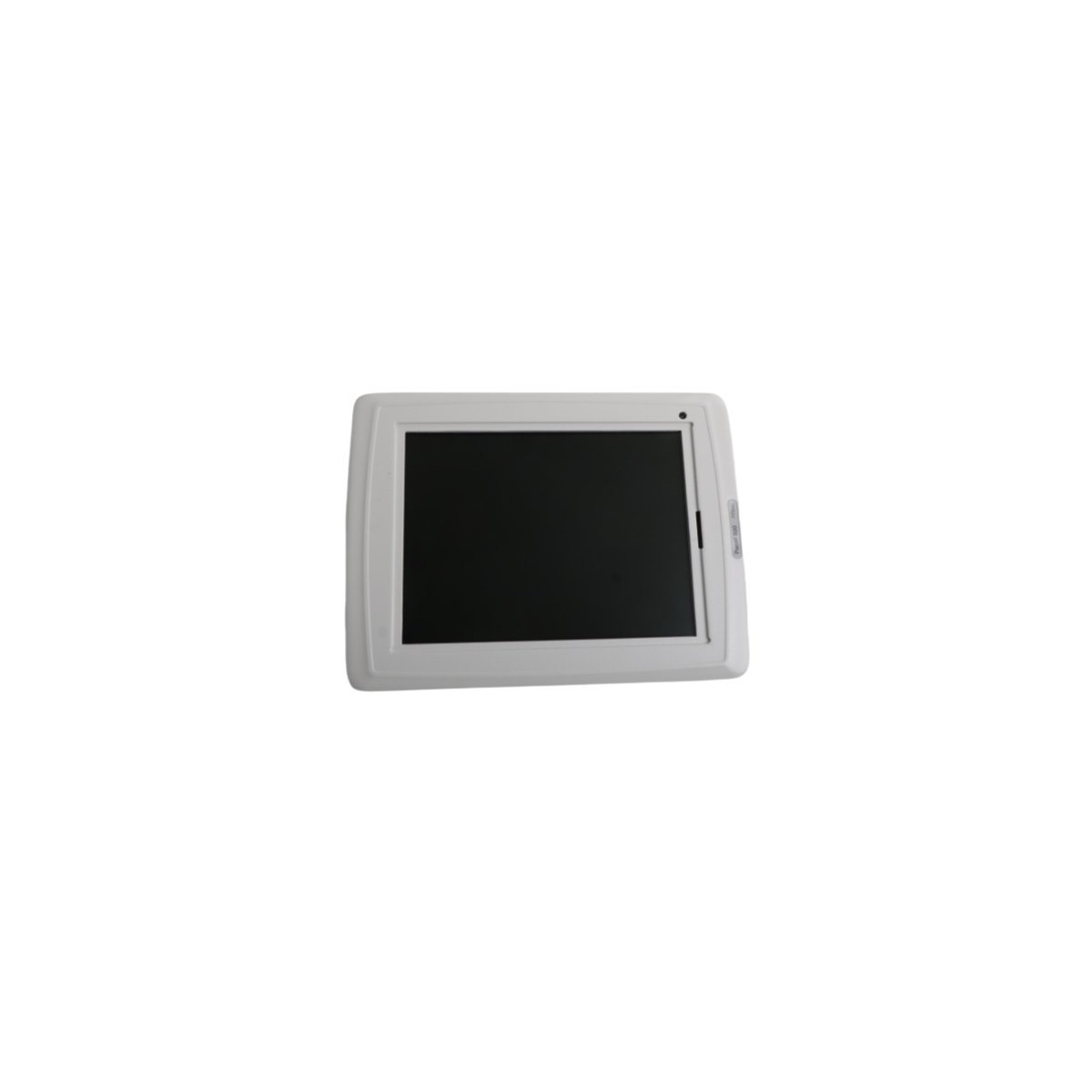
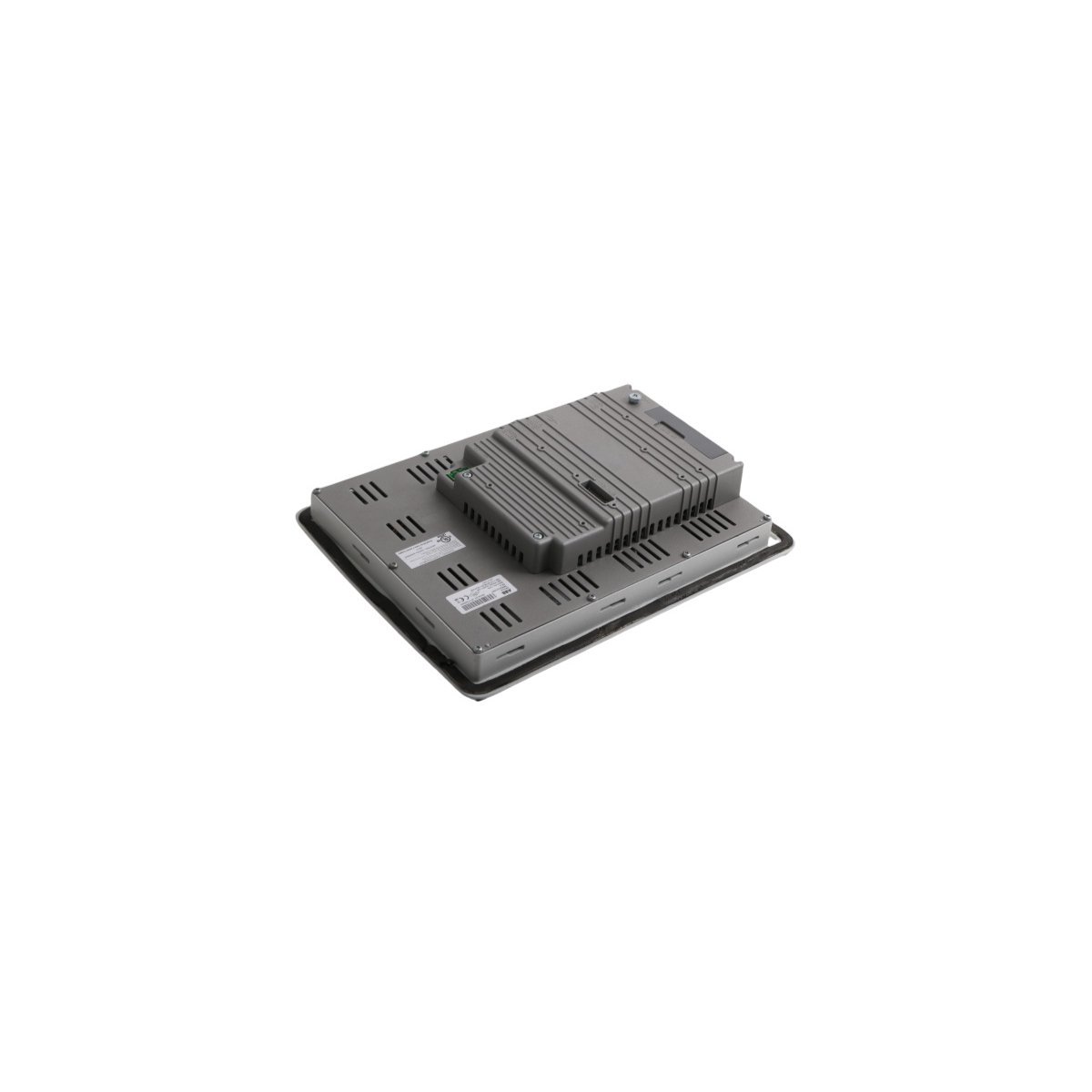
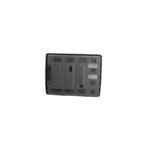
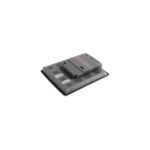
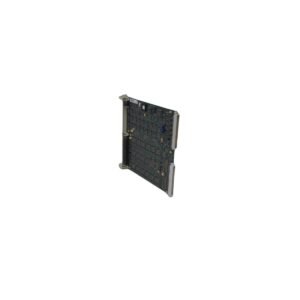
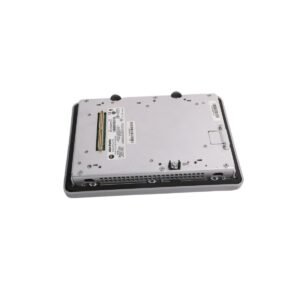
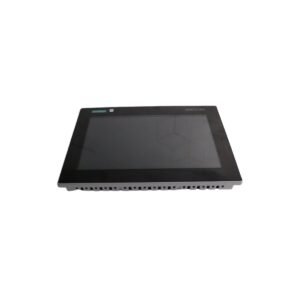
Configured for real-time human-machine interface (HMI) interaction in System 800xA networks, the ABB PP845A 3BSE042235R2 (PP845A 3BSE042235R2 Touch Screen) provides direct physical/electrical execution.
Hardware Specifications
Parameter
Specification
Model
PP845A 3BSE042235R2
Brand
ABB
Origin
SWEDEN
Weight
2.04 kg
Dimensions
30.2 x 23 x 6 cm
Operating Temp
Not specified
Power Consumption
Not specified
Module Type
Touch Screen
Product Range
System 800xA
Industrial Control and Network Integration
The PP845A utilizes standardized Ethernet communication protocols to interface with distributed control system (DCS) nodes. Backplane bus communication velocity is optimized to minimize input latency during operator command execution. The device supports firmware flash compatibility, requiring synchronization with the System 800xA control software version to maintain valid graphical object rendering and data point mapping. I/O density scaling at the HMI level is managed through structured tag databases, allowing for high-performance data visualization without overloading the local controller processor.
Frequently Asked Questions
Q: Does this operator panel support hot-swapping during active process monitoring?
A: No. Power must be removed from the DC supply terminal before disconnecting communication cables or unmounting the device from the panel to prevent electrical arcing or data bus corruption.
Q: How is the IP65 ingress protection maintained during panel installation?
A: The integrated gasket must be seated flush against the mounting cutout surface, and all retention clips must be tightened according to torque specifications to ensure a hermetic seal against dust and liquid ingress.
Q: Is specific software required for firmware updates?
A: Yes. Firmware upgrades must be conducted via the prescribed ABB engineering tools while the device is in a disconnected or maintenance state to ensure secure write cycles to the non-volatile memory.
Field Installation Guidelines
Verify the mounting cutout dimensions correspond to the panel specifications to ensure a proper fit.
Clean the mounting surface of any debris, oil, or corrosion to ensure the gasket maintains a tight seal.
Insert the touch screen into the panel cutout and install all provided mounting hardware uniformly.
Connect the supply voltage to the terminal block, ensuring correct polarity (typically 24 VDC).
Connect the Ethernet cable to the RJ45 port and verify link activity via the diagnostic indicators before initiating communication with the System 800xA controller.
Route communication cables separately from high-voltage power conduits to minimize electromagnetic interference (EMI) coupling.
Additional information
Weight
2.04 kg
Country of Origin
Sweden
Dimension
30.2 x 23 x 6 cm
0.0
Average Rating
Rated
(0 Reviews)
Rated
0%
Rated
0%
Rated
0%
Rated
0%
Rated
0%
Be the first to review “ABB PP845A 3BSE042235R2 Touch Screen” Cancel reply







0.0 Average Rating Rated (0 Reviews)