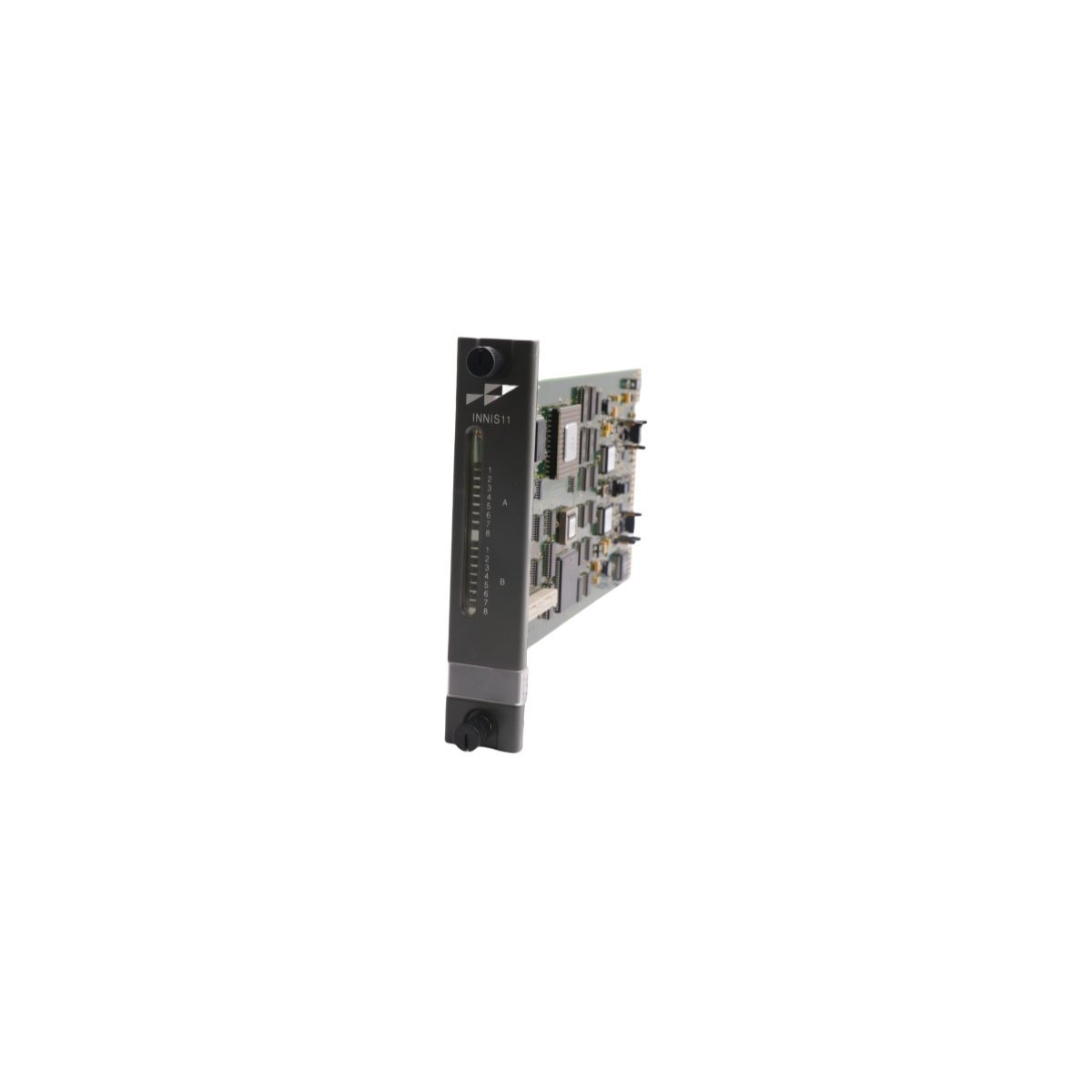
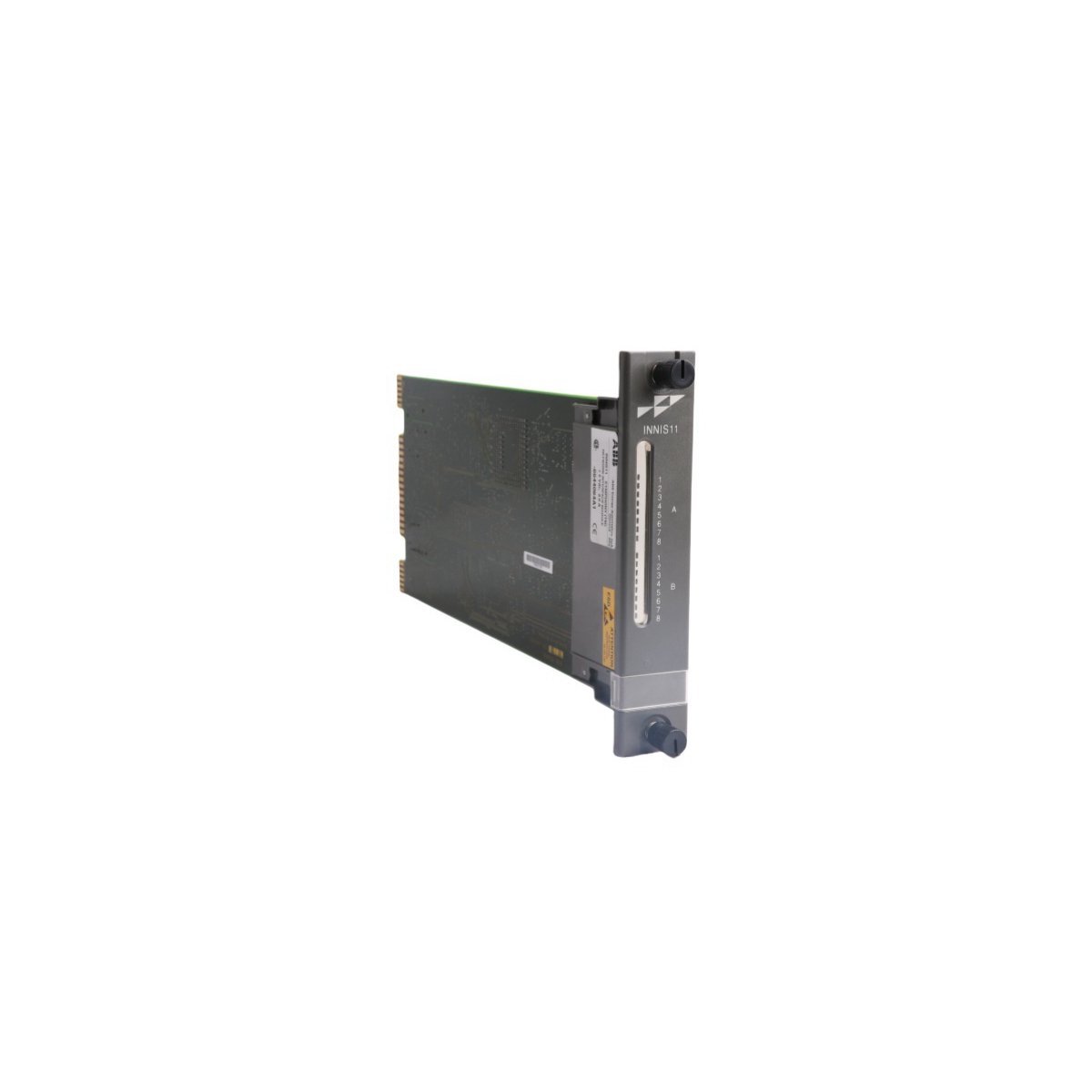
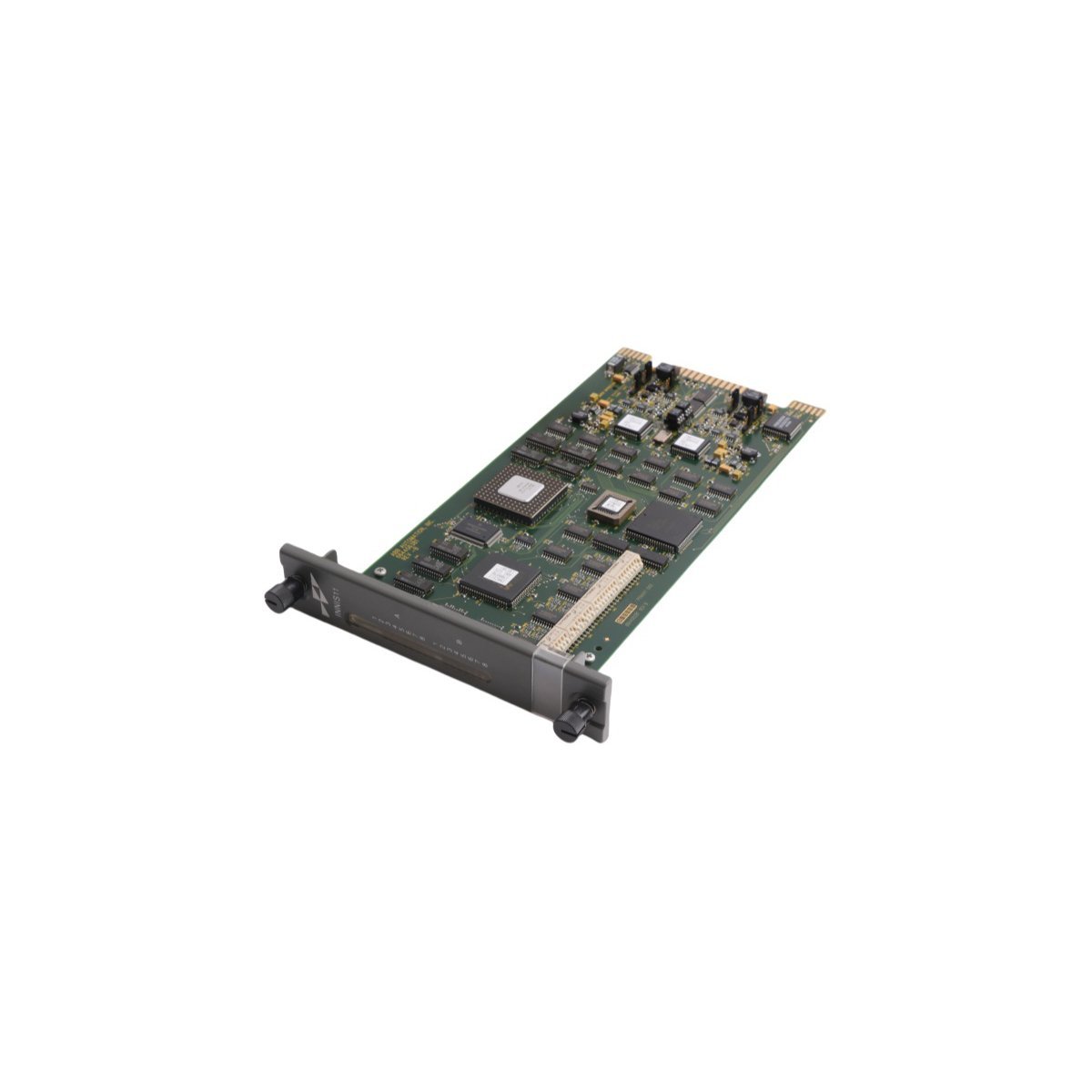
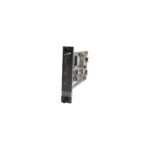
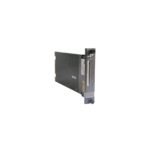
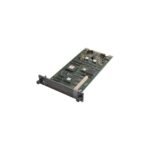
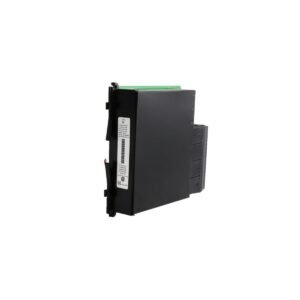
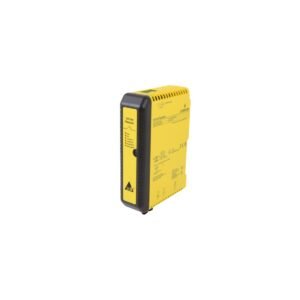
Configured for high-speed I/O data exchange within Harmony Rack (HR) control networks, the ABB INNIS11 (INNIS11 Bailey Network Interface Slave Module) provides direct physical/electrical execution.
Hardware Specifications
Parameter
Specification
Model
INNIS11
Brand
ABB
Origin
SWEDEN
Weight
0.26 kg
Dimensions
3.6 x 31.5 x 17.7 cm
Operating Temp
Not specified
Power Consumption
Not specified
Module Type
Bailey Network Interface Slave Module
Product Range
HR Series (Harmony Rack) I/O
Industrial Control and Firmware Compatibility
The INNIS11 module functions as a critical interface within the Symphony Harmony architecture, managing communication traffic between the HR series I/O and the control bus. Firmware flash compatibility is mandatory; ensure the module revision matches the host controller’s configuration requirements to avoid data synchronization errors. The interface supports deterministic network timing, with backplane bus communication velocity settings configured via the master controller to maintain loop stability. I/O density scaling is dictated by the rack backplane bus load constraints, requiring verification during system expansion.
Frequently Asked Questions
Q: Is the INNIS11 module hot-swappable in a powered-up Harmony Rack?
A: No. Power must be isolated from the specific rack slot before installation or removal to prevent potential damage to the backplane edge connectors or logic bus circuits.
Q: How is the module address and communication link established?
A: The module address is physically configured via jumpers or DIP switches on the circuit board, depending on the specific revision, which dictates its position in the slave polling sequence on the Harmony bus.
Q: Are there specific grounding requirements for this interface module?
A: Yes. The module must be fully seated, and the cabinet backplane must maintain a low-impedance connection to the system chassis ground to ensure signal integrity and electromagnetic interference mitigation.
Field Installation Guidelines
Inspect the module and backplane connectors for bent pins or debris before attempting installation.
Use standard electrostatic discharge (ESD) mitigation protocols, including a grounded wrist strap, when handling the PCB.
Align the module with the cabinet guide rails and slide it into the designated HR series slot.
Secure the module using the provided locking levers to ensure consistent contact pressure with the backplane.
Verify the status LEDs after initialization to confirm the module has successfully established the link with the Harmony master controller.
Ensure all I/O signal cables are properly shielded and grounded at the termination panel to minimize induced noise.
Additional information
Weight
0.26 kg
Country of Origin
Sweden
Dimension
3.6 x 31.5 x 17.7 cm
0.0
Average Rating
Rated
(0 Reviews)
Rated
0%
Rated
0%
Rated
0%
Rated
0%
Rated
0%
Be the first to review “ABB INNIS11 Bailey Network Interface Slave Module” Cancel reply








0.0 Average Rating Rated (0 Reviews)